Work for 25 minutes.
Then actually stop.
YAPA is a small, quiet timer that sits on your desktop and keeps you honest about focus and breaks. Nothing to sign up for, nothing to learn.
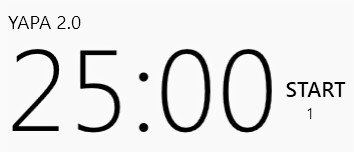
That is the whole application. It sits on your wallpaper, above whatever you are working on.
Never heard of a pomodoro? It takes ten seconds to learn.
Do one thing
Start the timer and work on a single task. No email, no phone. If something interrupts you, the round doesn't count.
Then stop
When it rings, stop — even mid‑sentence. Stand up, stretch, look out of a window. The break is the part that makes the next round work.
Take a long one
Every fourth break is a proper one: 15 to 30 minutes. YAPA counts the rounds for you, so you don't have to keep track.
The technique is from the late 1980s, and it is named after the tomato‑shaped kitchen timer its inventor used. YAPA is that tomato, minus the ticking.
It stays out of the way
No window frame, no toolbar, no dashboard demanding attention — just the numbers, where you can see them out of the corner of your eye.
While the timer runs, clicks pass straight through it, so it never gets in the way of what is underneath. Send it to the system tray and it disappears completely.
Every part of it can change
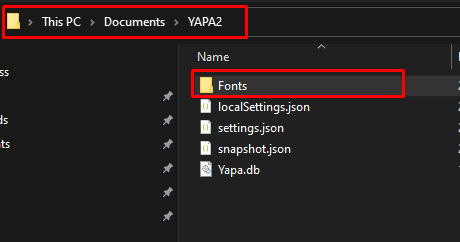
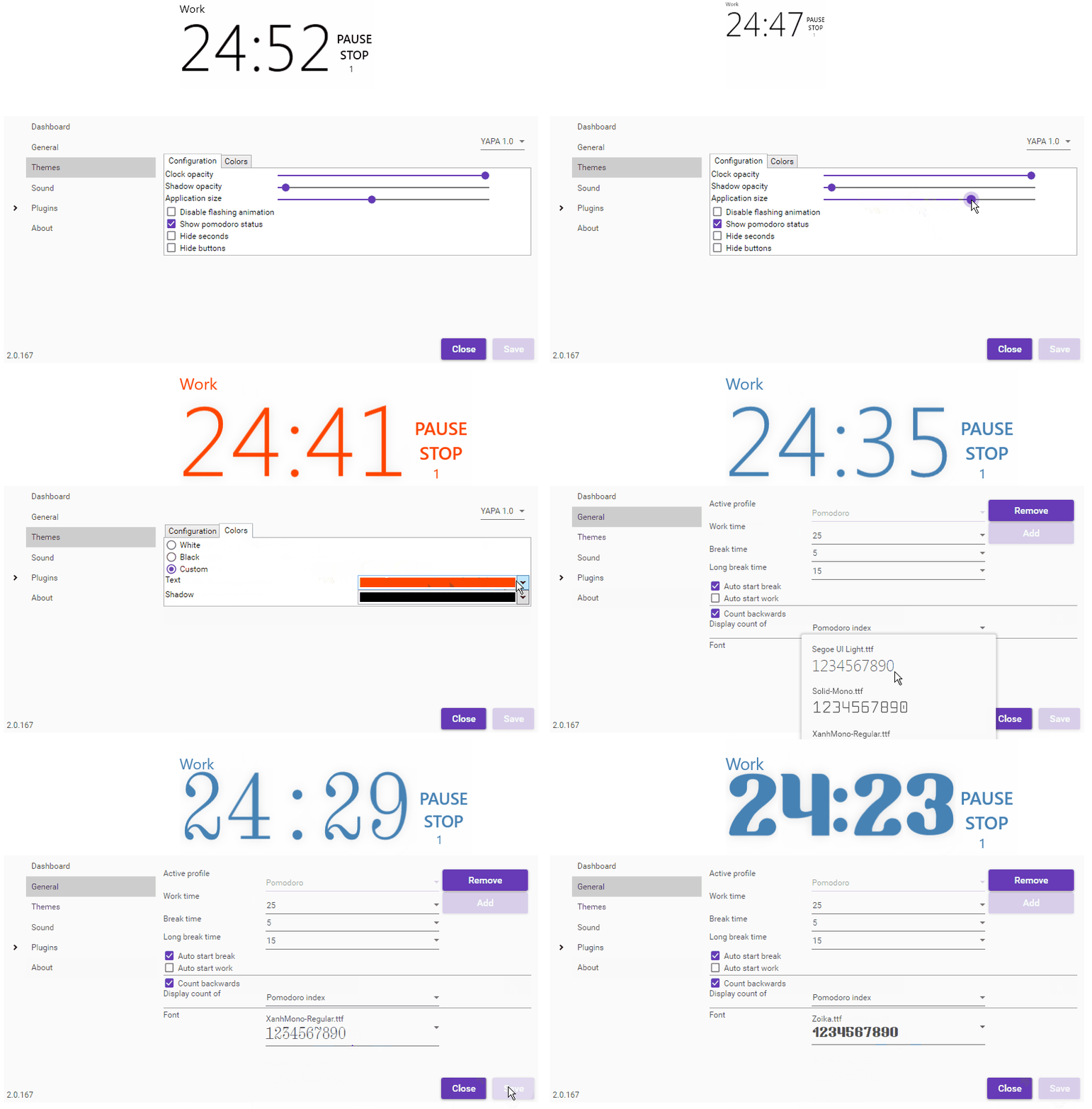
Pick the size, the colour of the numbers, the shadow behind them, and how see‑through the whole thing is. Drop your own font in and it will use that instead.
Everything previews live while you drag the sliders, so you can see exactly what you are getting before you keep it.
See what you actually got done
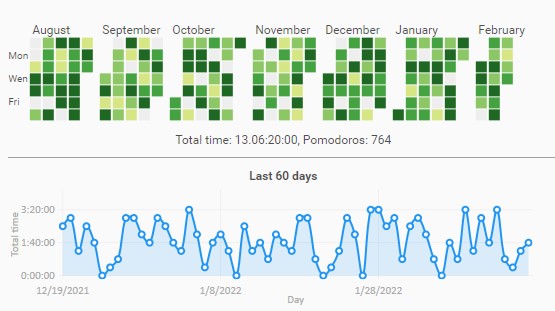
YAPA quietly keeps count in the background. Open the dashboard and there is a year of focus at a glance, plus a chart of the last sixty days.
It is stored on your own machine. Nothing is uploaded anywhere, and there is no account to create.
Not just us saying it
Everything below is for people who like to know exactly what they are installing before they double-click it.
Specifications
| Price | Free, forever |
|---|---|
| Licence | MIT, open source |
| Platform | Windows 10 & 11 |
| Download size | ~10 MB |
| Memory in use | ~40 MB |
| Network | None required |
| Account | None |
| Data stored | Locally, on your PC |
| Source code | GitHub |
At 10 MB down and 40 MB in memory, it is about as small as a pomodoro app gets — it will not slow your machine down or wake up your fans.
Settings, in full
- Custom profiles with your own work, break and long‑break lengths
- Start the next interval automatically, or wait for you
- Count time backwards
- Your own sounds for work end and break end
- Minimise to the system tray
- Click‑through while the timer runs, controlled from the tray or taskbar
- Custom fonts, colours, shadow, opacity and size
- Rounds before a long break
- Dashboard with a year grid and a 60‑day chart
Questions
How do I add my own font?